Database Source Reader
Description
The Database Source Reader is used to read data from a hierarchy of database tables.
Purpose
The Database Source Reader reads records from database tables and returns them as message. You can define which records shall be read by defining a select condition. You also can define which database columns shall be read and returned in the message.
Creation
To create a Database Source Reader channel follow the steps described in the general description of Channels.
Configuration
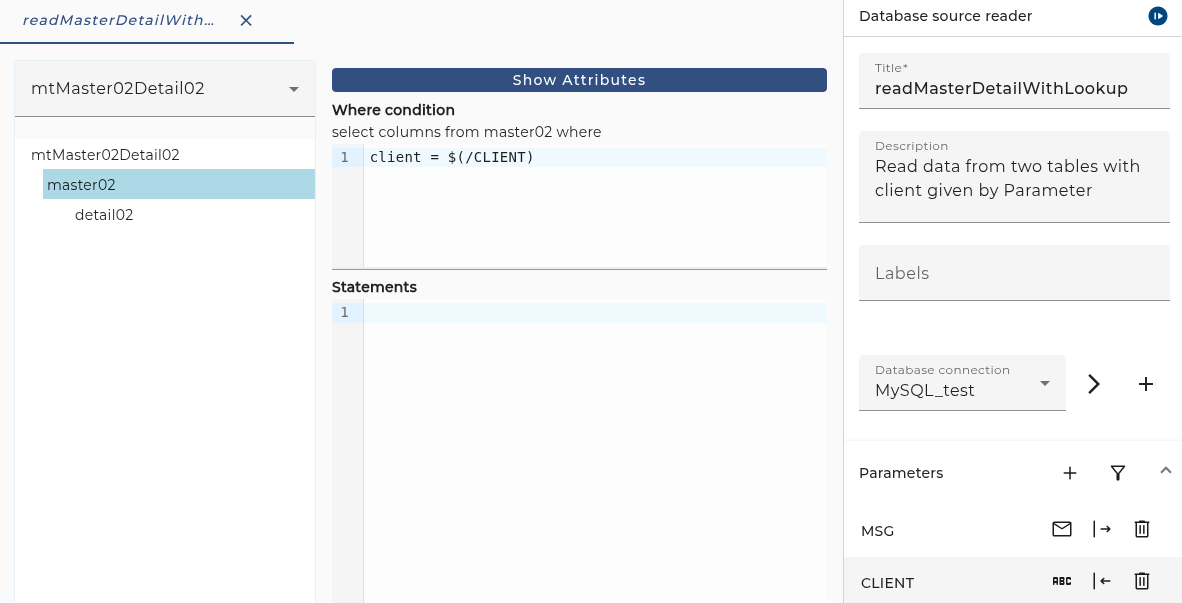
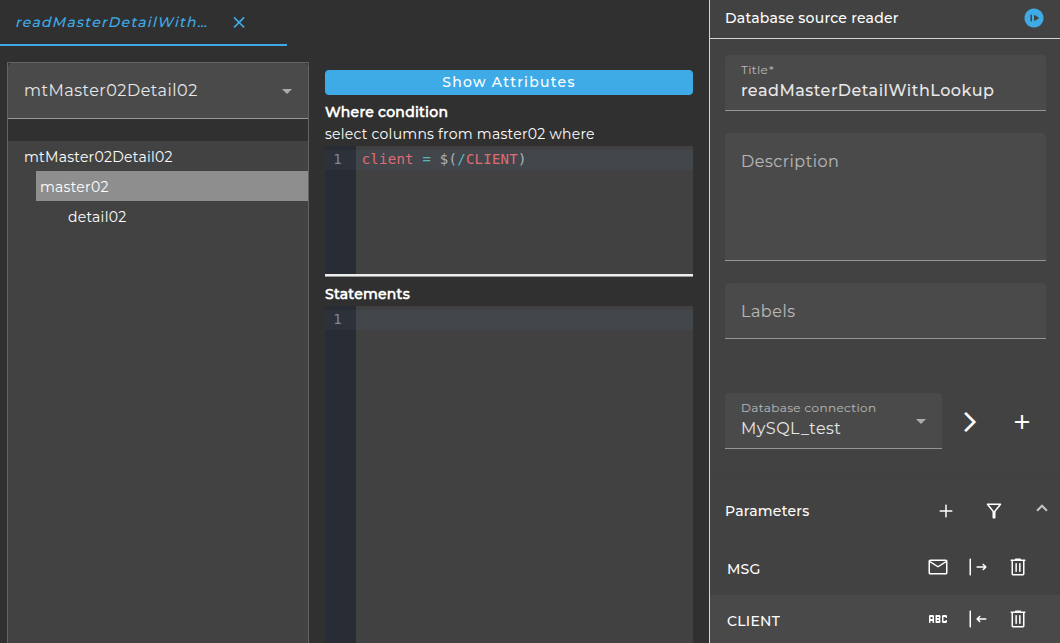
The dialog to configure the Database Source Reader looks like:
Step by Step
Message type: First select the Message type from the selection box. The Selection box shows only message types created by importing from a Database. These message types resemble the structure of one or more related database tables. In the example above we selected the message type mtMaster02Detail02. It contains a table master02 and a dependent table detail02. In the picture the user selected the table detail02.
Database connection: Select the appropriate database connection. The database connection has to be created as environment entry (database connection).
Parameters: Parameters ar variables that are delivered from or to the channel. The channel always has an input parameter named MSG. It contains the message returned from the channel to the process model.
Typically the user defines additional output parameters. In the example we defined a Parameter named CLIENT. It is used in the Where condition to define which database records to select.
Where condition: For each table element you can define a where condition to define which records in the table you want to select.
In the example we defined the condition client = $(/CLIENT) to select only those records where the column client has the value of the parameter CLIENT.
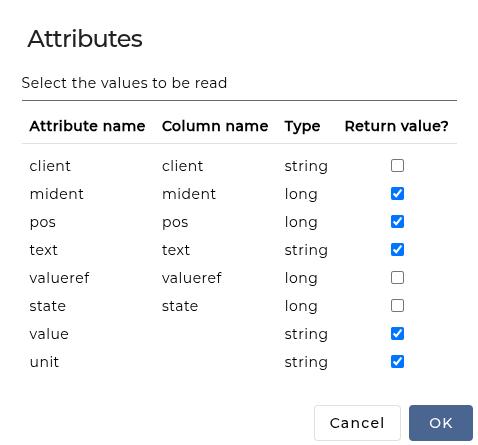
Show Attributes: If you click on the button Show Attributes a dialog is opened where you can select the attributes which shall be returned in the result message.
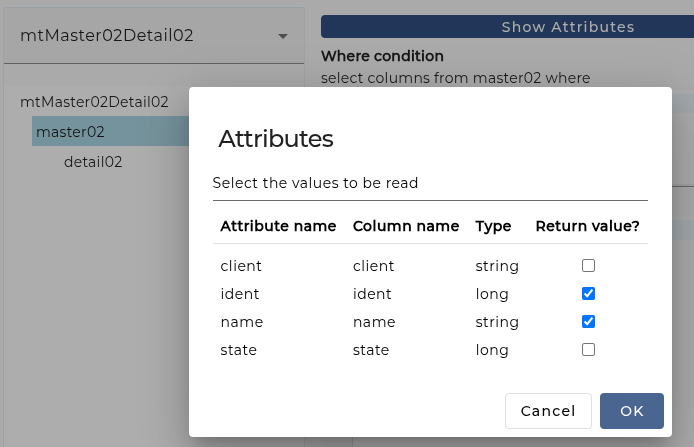
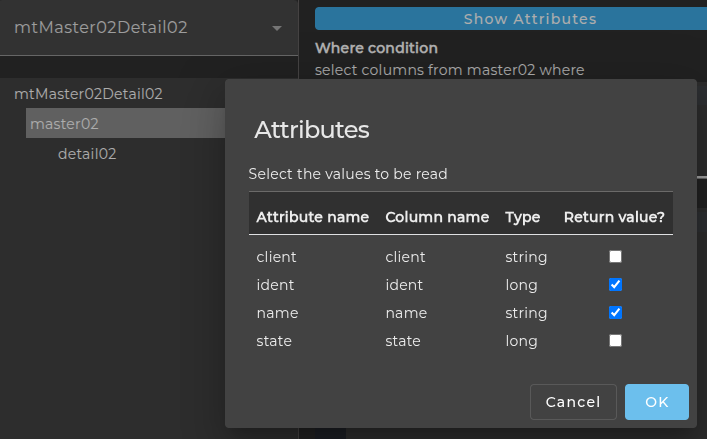
As you can see attributes client and state shall not be returned.
Statements: For each table element you can define additional statements. They are executed after each record.
In the following picture the user selected the table detail02.
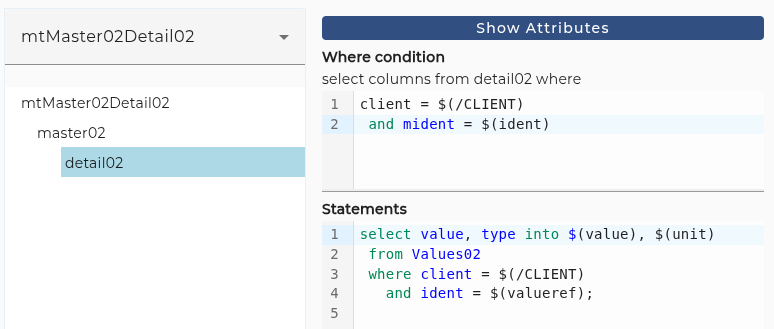
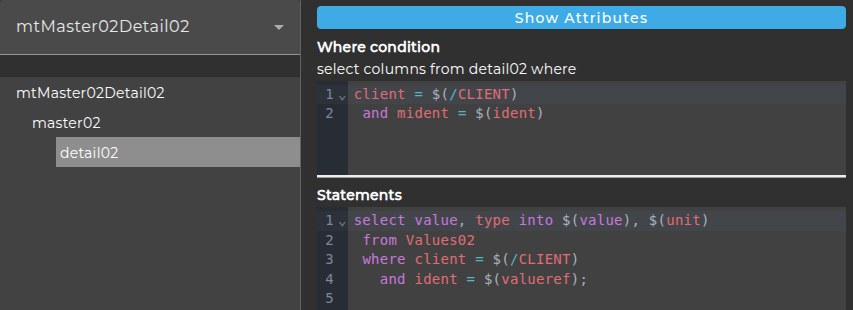
You see a where condition defining that we want to select all records where the value of column mident equals the value of the column ident in the parent table and the value of column client has the value of the parameter CLIENT.
We also define a select statement to set the values of the attributes value and type from the values selected from a table Values02.
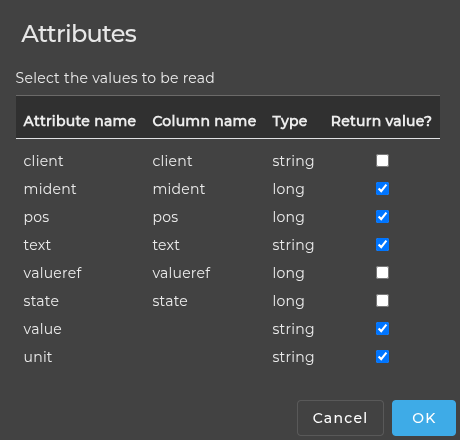
Actually, in our example, these two attributes have no column name so they are not selected from the database:
Syntax
The following section describes the script language used in the Database source reader.
    statement ::= assignment | select_statement
    select_statement ::= "select" selectlist "into" varlist "from" rest_of_sql_selection ";"
    assignment ::= "$(" [ "/" ] name ")" "=" expression ";"
    varlist ::= "$(" name ")" [ "," varlist ]
    expression ::= literal | variableRef | function_call
    literal ::= string | number | "null" | "true" | "false" | "NULL" | "TRUE" | "FALSE"
    string ::= "'" characters "'"
    number ::= [ "-" ] digits [ "." digits ]
    variableRef ::= "$(" name ")" | "$(/" name ")" | "$(" levels name ")"
    levels = "../" [ levels ]
    function_call ::= function_name "(" parameters ")"
    parameters ::= expression [ "," parameters ]
Explanation
A select statement might look like:
select userid, username into $(userid), $(name) from users where department = $(department);
$(/name) is a global variable while $(name) is local to the current context.
For every column x in the current table there is a local variable $(x).
You can reference variables or column values in upper contexts using the syntax $(../varname) or $(../../varname) and so on.
Note that the where condition is evaluated in the parents context!
Within a string literal the single quote is denoted by \'. You also can use the sequences \n, \r, \t, \f, \ to denote linefeed, carriage return, tab, formfeed and the backslash. You also can use hexadecimal values like \xC0, or \uC0A1.
The literal values for null and the boolean values true and false are case insensitive, so you can also write NULL, TRUE and FALSE.
Functions
The following functions are defined so far:
- string trim(string str)
- string toLowerCase(string str)
- string toUpperCase(string str)
- string substring(string str, int startIndex, int length?) here the third argument (length) is optional.
See also
You also may use the channels Database Reader, Database BLOB Reader, Database Target and Database Outbound Channel to access database resources.